

Why are there strings left on the printout?

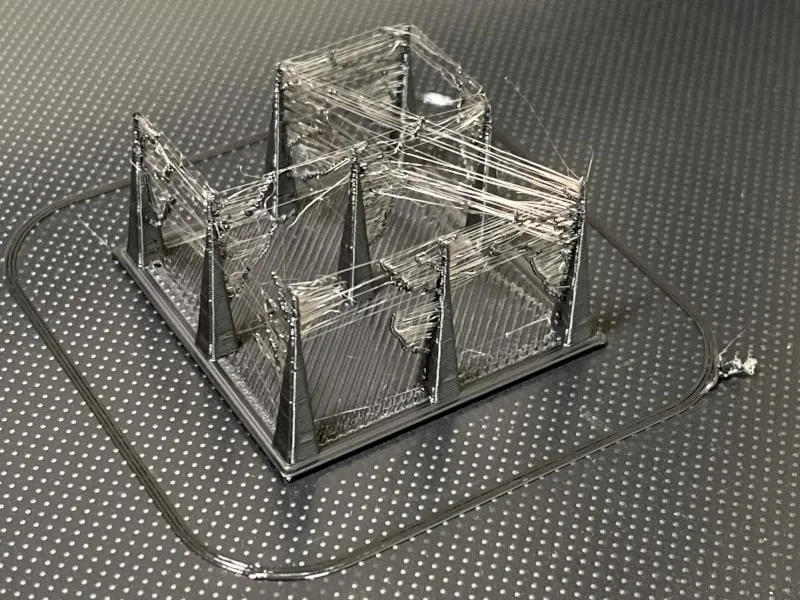
Retraction Settings
Setting the retraction correctly essentially comes down to two factors:
- retraction length
- retraction speed
The retraction length specifies how many millimeters the material should be retracted during the retraction process. This value will vary depending on the material and the type of extruder. A “direct” extruder requires a shorter retraction (about 0.5–1.5 mm). A Bowden extruder—one in which a long Teflon tube runs between the extruder and the nozzle—requires a longer retraction, e.g., 5 mm. Too long a retraction can lead to clogging if the molten filament is pulled back into the cold zone of the hotend.
The retraction speed determines how dynamically this movement should be performed. If retraction is too slow, it will not be effective because it will allow filament to continue flowing out before it is retracted. If it is too fast, it may cause the nozzle to clog or leave a fragment of molten polymer inside it. A fast retraction can also cause the filament to be damaged by the extruder gear.
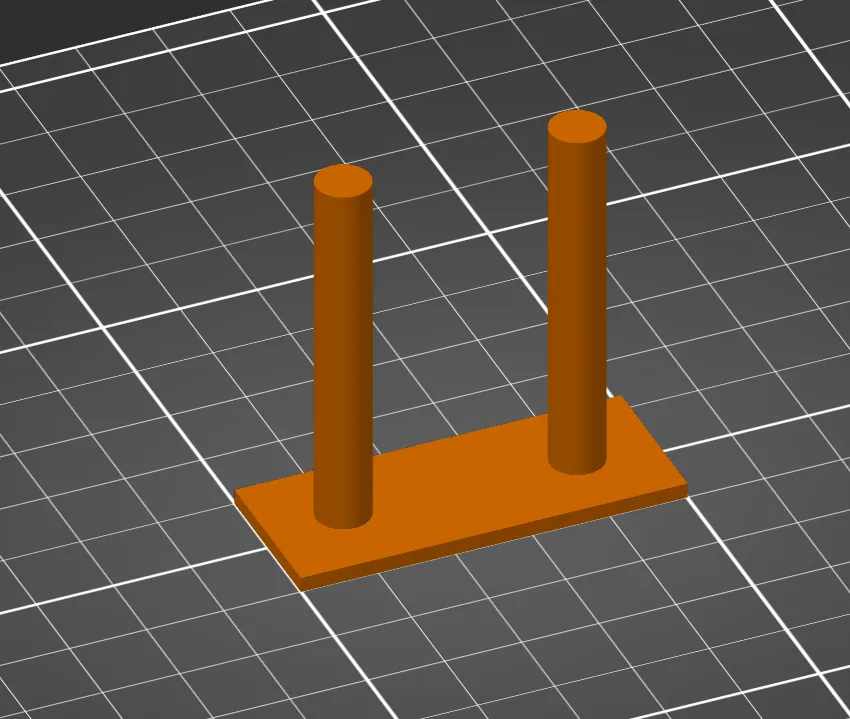
Finding the right setting often requires numerous attempts, and retraction tests are helpful in this process.
Temperature too high
An overheated filament will have a higher viscosity, which will consequently reduce the effectiveness of retraction. Gradually lowering the temperature—for example, by 5°C—should help resolve the issue.
Moist filament
Moisture absorbed by the filament from the environment can also cause stringing during retraction. Water droplets present in the nozzle cause a pressure drop in the nozzle, leading to uncontrolled filament flow and reduced retraction efficiency.
Filament vs. Stranding
Some types of filament are more prone to stringing than others. Examples of such filaments include:
- FiberWood
- polyesters (PET-G, PCTG, CPE-HT)
- FiberFlex (due to the recommended short retraction)